Adding DGA reporting to the main navigation
We previously linked to DGA reporting from within the case list.
User research found that some participants missed this link.
Some participants did go to the case list to process cases that failed DGA. That is a valid route into part of the journey, but it is only one step.
The full DGA process includes exporting data, reviewing failures and recording outcomes.
We considered adding a link from the overview page but the purpose of that page is to help users understand what they should work on next. Not for navigation.
So we added ‘DGA reporting’ into the primary navigation because it’s a distinct area of the service with its own steps and responsibilities.
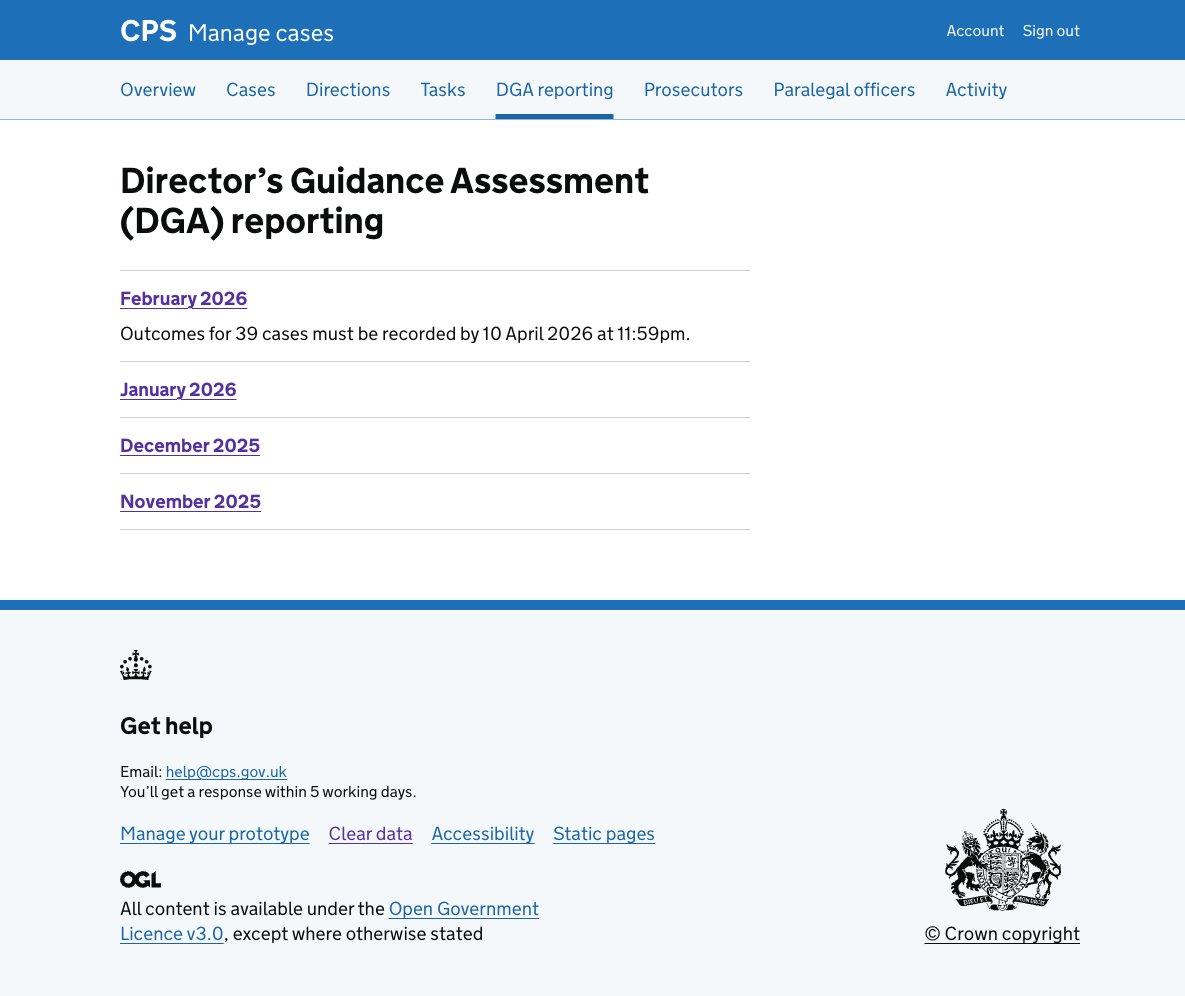
The link is only shown to area performance managers (APMs) and legal managers.