Adding DGA reporting to the overview page
The overview page gives area performance managers (APMs) and legal managers a summary of things that need their attention across the service.
The purpose of the page is to nudge users to keep on top of their workloads.
DGA reporting is time-sensitive. Outcomes must be recorded by a fixed deadline each month, and missing it has consequences.
Showing outstanding DGA tasks on the overview page means users do not need to go looking for them.
How it works
The overview page is the first page APMs and legal managers see after signing in.
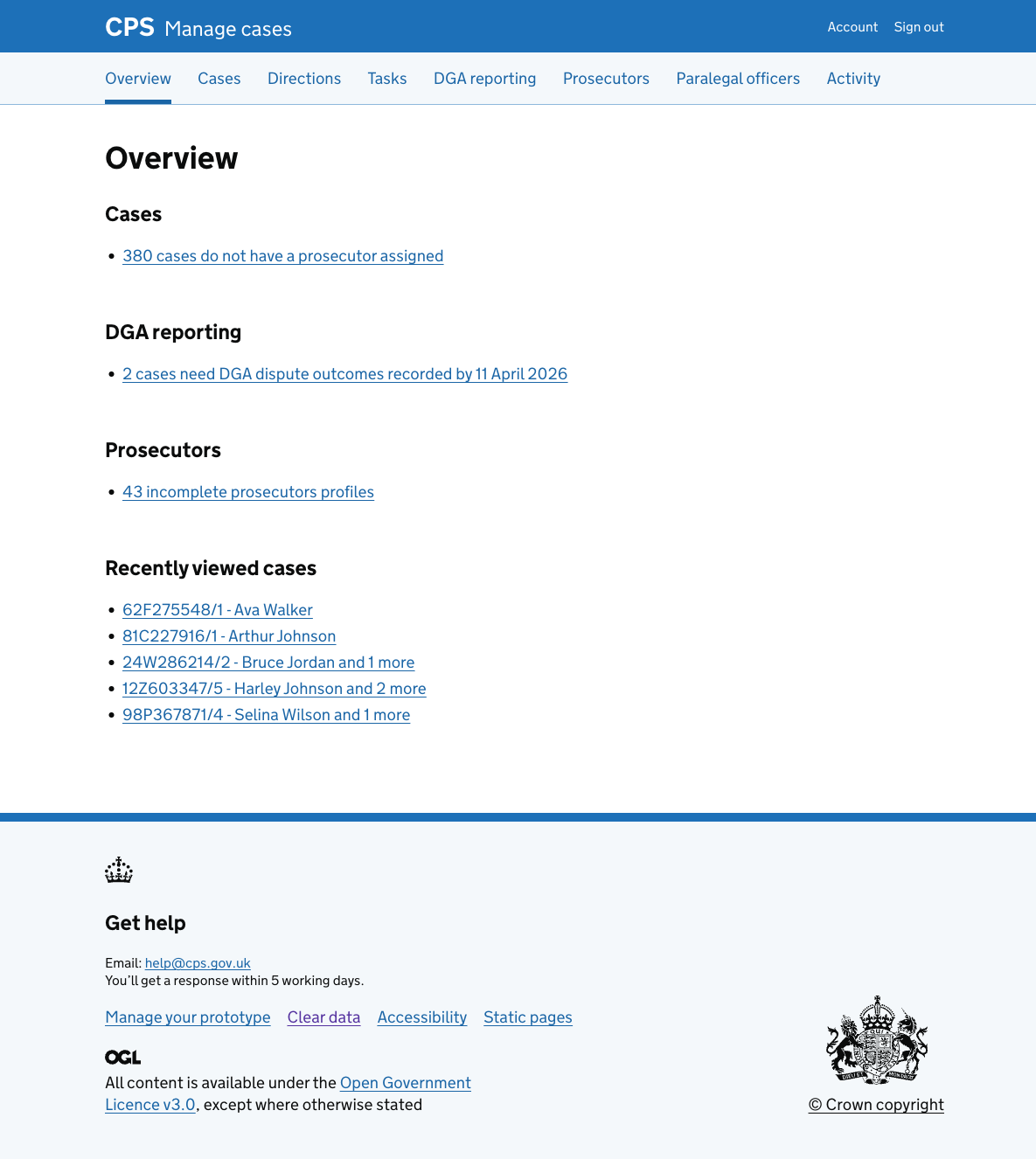
The DGA reporting section shows the number of cases that need DGA dispute outcomes recorded for the most recent reporting month, along with the deadline.
Selecting the link takes the user to the DGA reporting page for that month.
This section only appears when there are cases with outstanding outcomes.