Exporting DGA cases
Before recording dispute outcomes, area performance managers need to share DGA case data with police forces so they can review the assessments and raise any disputes.
Users find this action on the month page for each police unit.
How it works
Clicking “Export cases that had a DGA” from the month view takes the user to a page where they select which weeks to include in the export.
The page shows the police unit name as a caption and checkboxes for each week of the month. The weeks are labelled with their ending date, for example “Week 1 - ending 7 December 2025”.
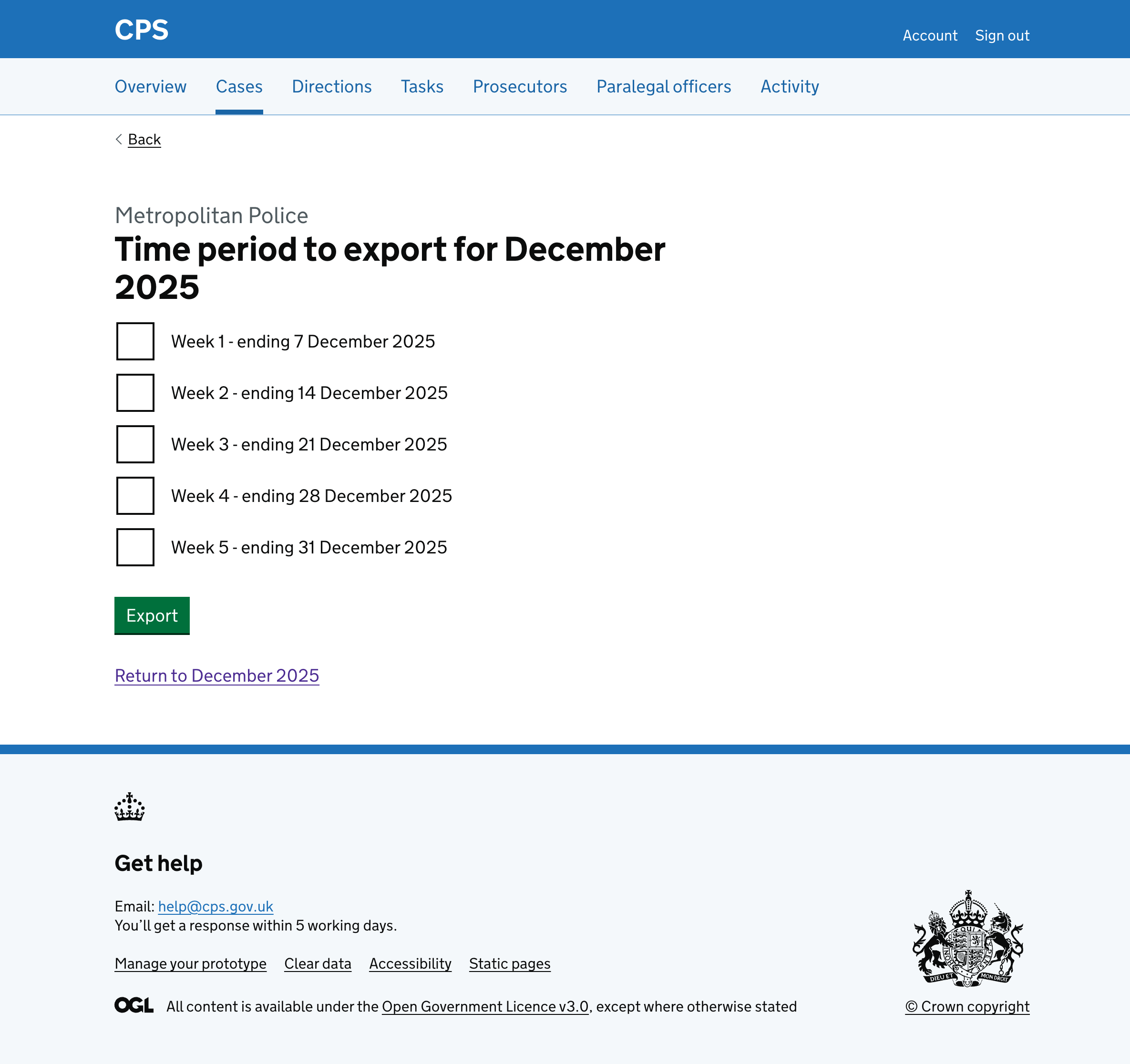
Users can select one or more weeks to export a spreadsheet containing cases with DGA data for the selected time period.
The spreadsheet includes:
- case reference (URN)
- casework type
- unit and police unit details
- failure types
- dispute status and outcome
- contact methods and comments
Clicking “Return to December 2025” for example, takes users back to the month page.
Error messages
Time period to export for December 2025
- Empty: Select the time period to export for December 2025