Recording a dispute outcome
After sharing the DGA assessment spreadsheet with the police unit, legal managers must record the outcome of each failure reason.
This captures whether the police disputed a failure, whether CPS accepted it, the reason for the outcome, and how it was discussed. This helps CPS and police learn from disputes and improve how cases are prepared.
Users find this action on the case failures page, where each failure reason has a “Record dispute outcome” button.
How it works
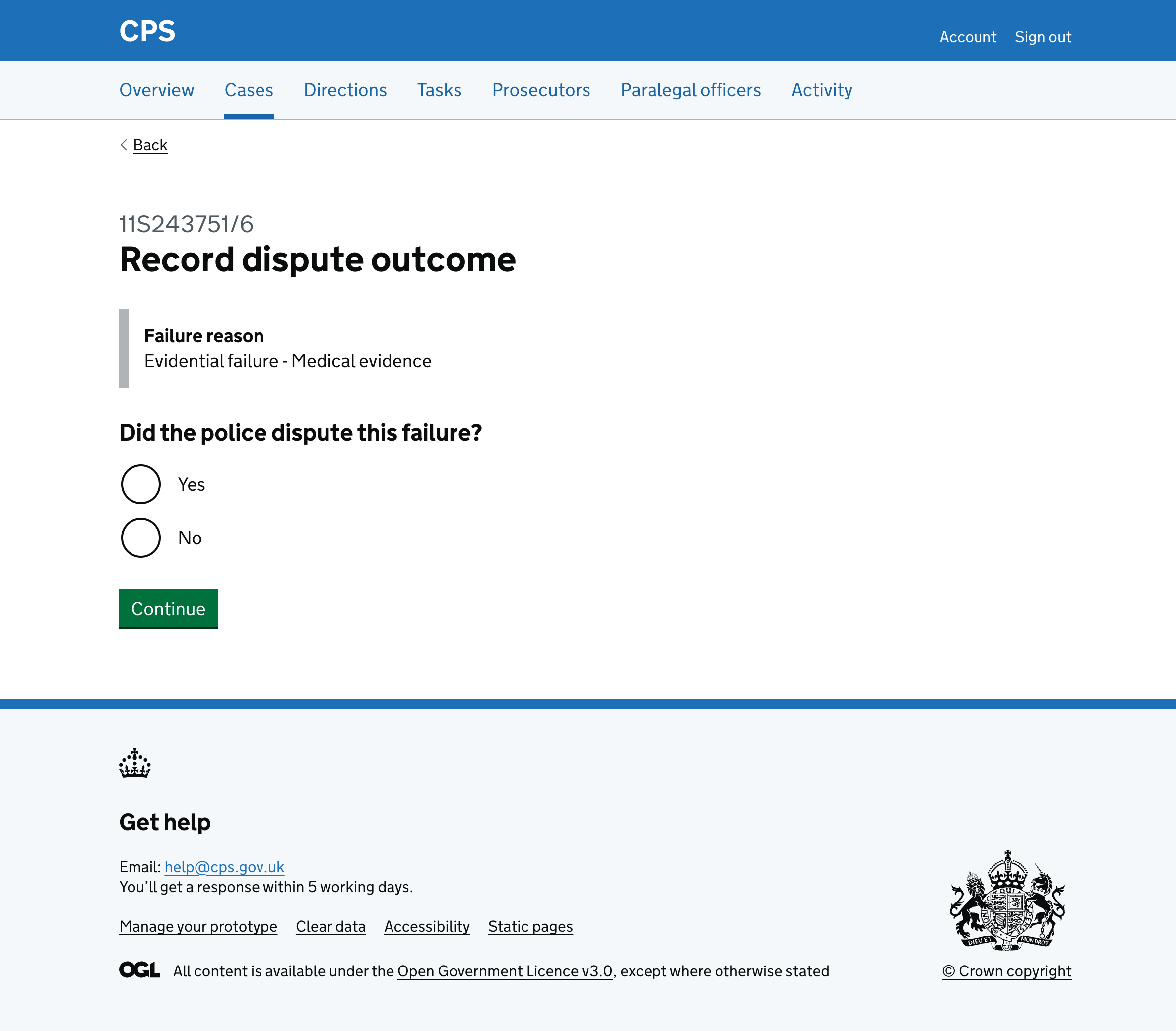
Clicking “Record dispute outcome” takes the user to a page asking if the police disputed the failure.
The failure reason is shown throughout the flow so users know which failure they’re recording an outcome for.
If the police disputed the failure
If the user selects “Yes” to “Did the police dispute the failure?” they’re asked three additional questions:
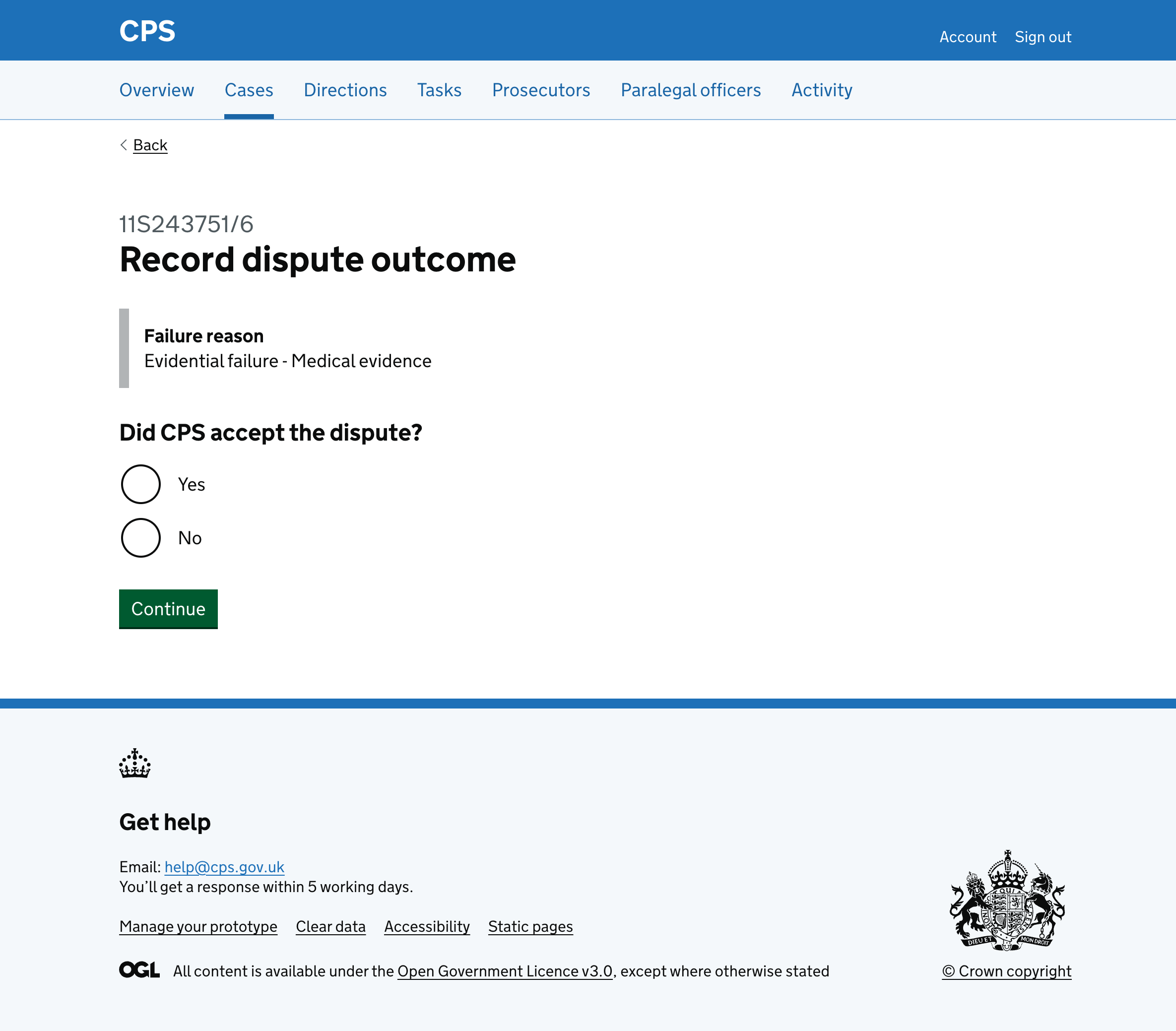
Firstly, they’re asked if the CPS accept the dispute.
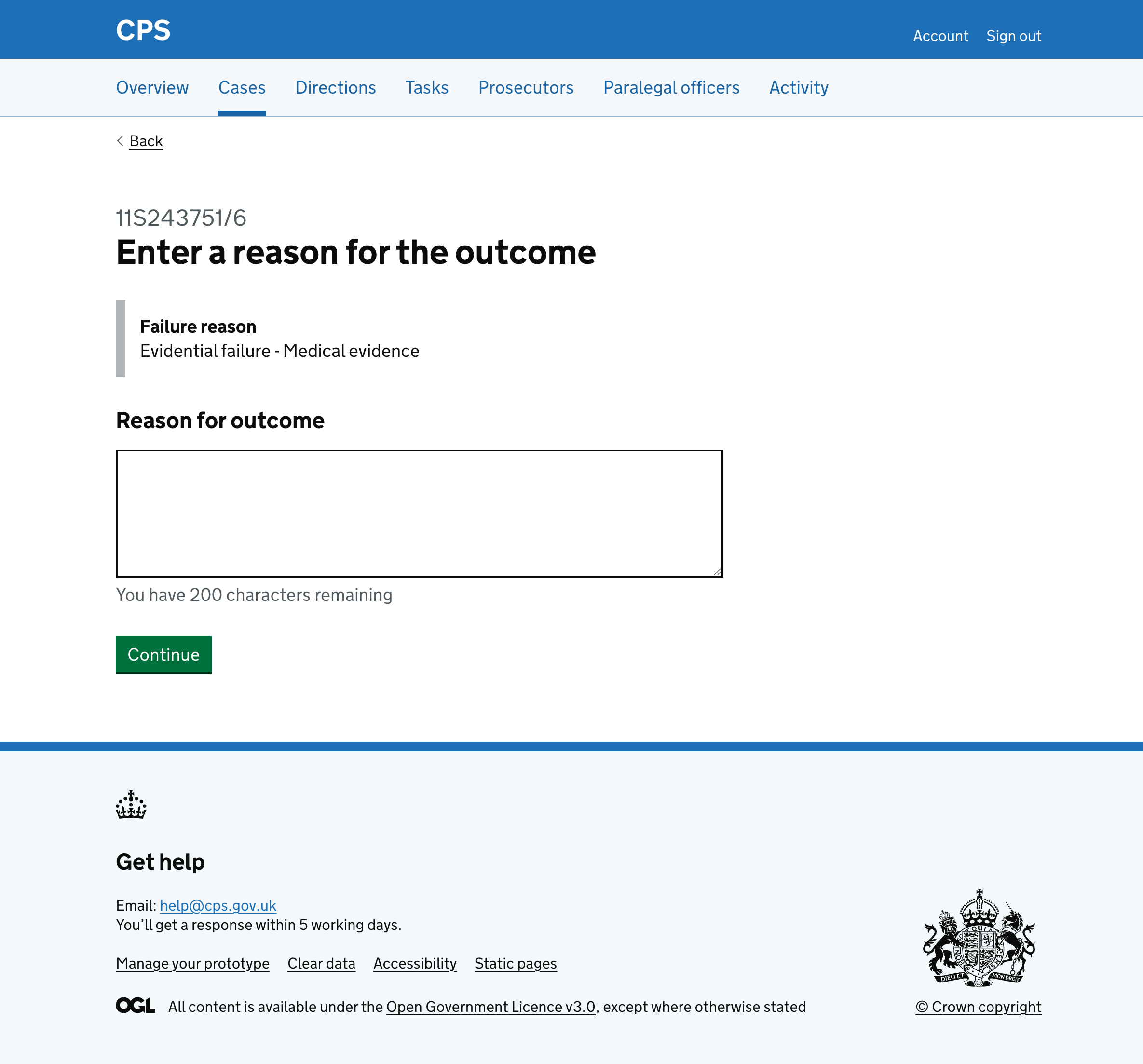
Then they’re asked for a reason for the outcome, a character count with a 200 character limit.
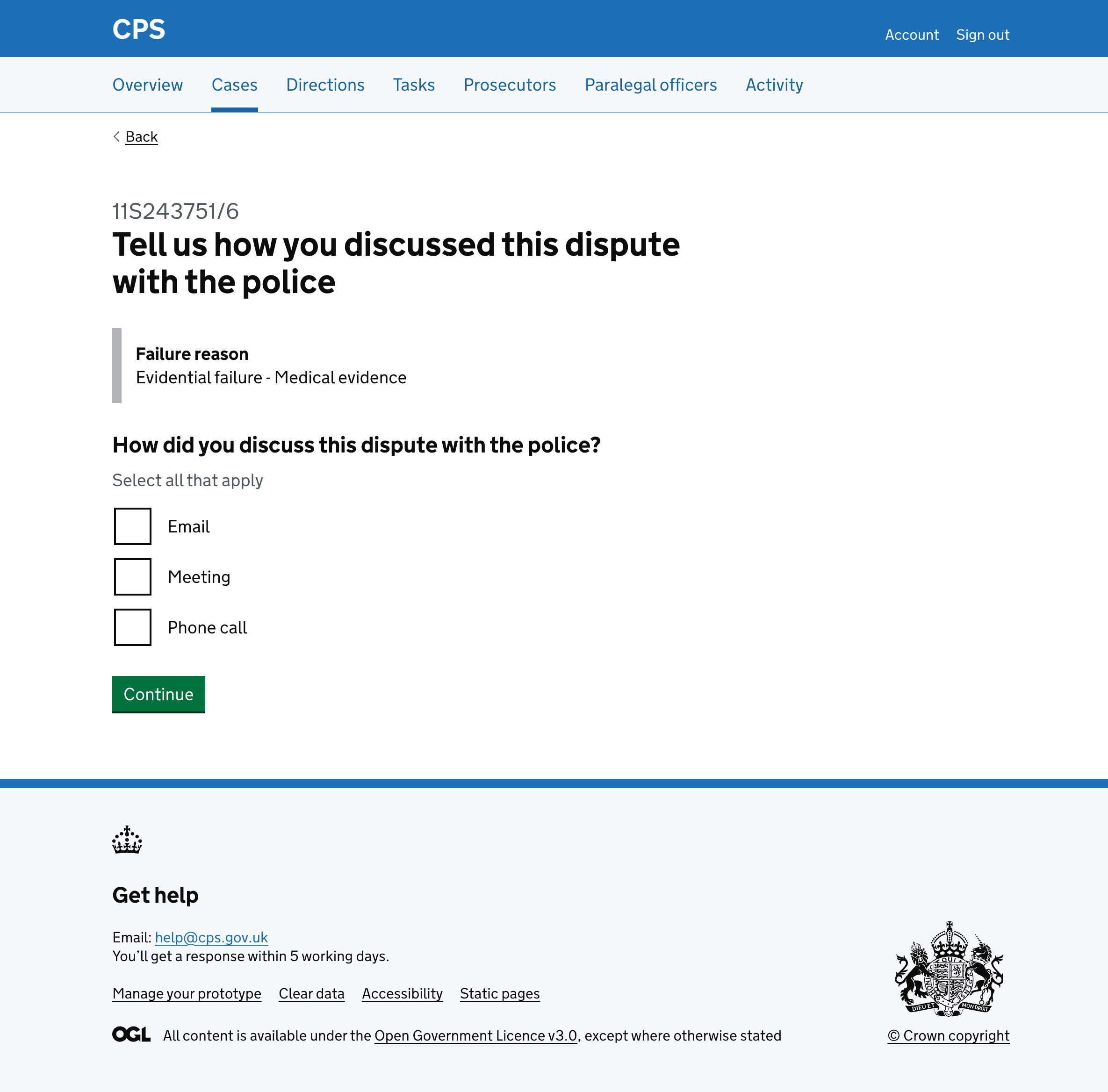
Then they’re asked how they discussed the dispute with the police with checkboxes for email, meeting, and phone call.
The user then checks their answers.
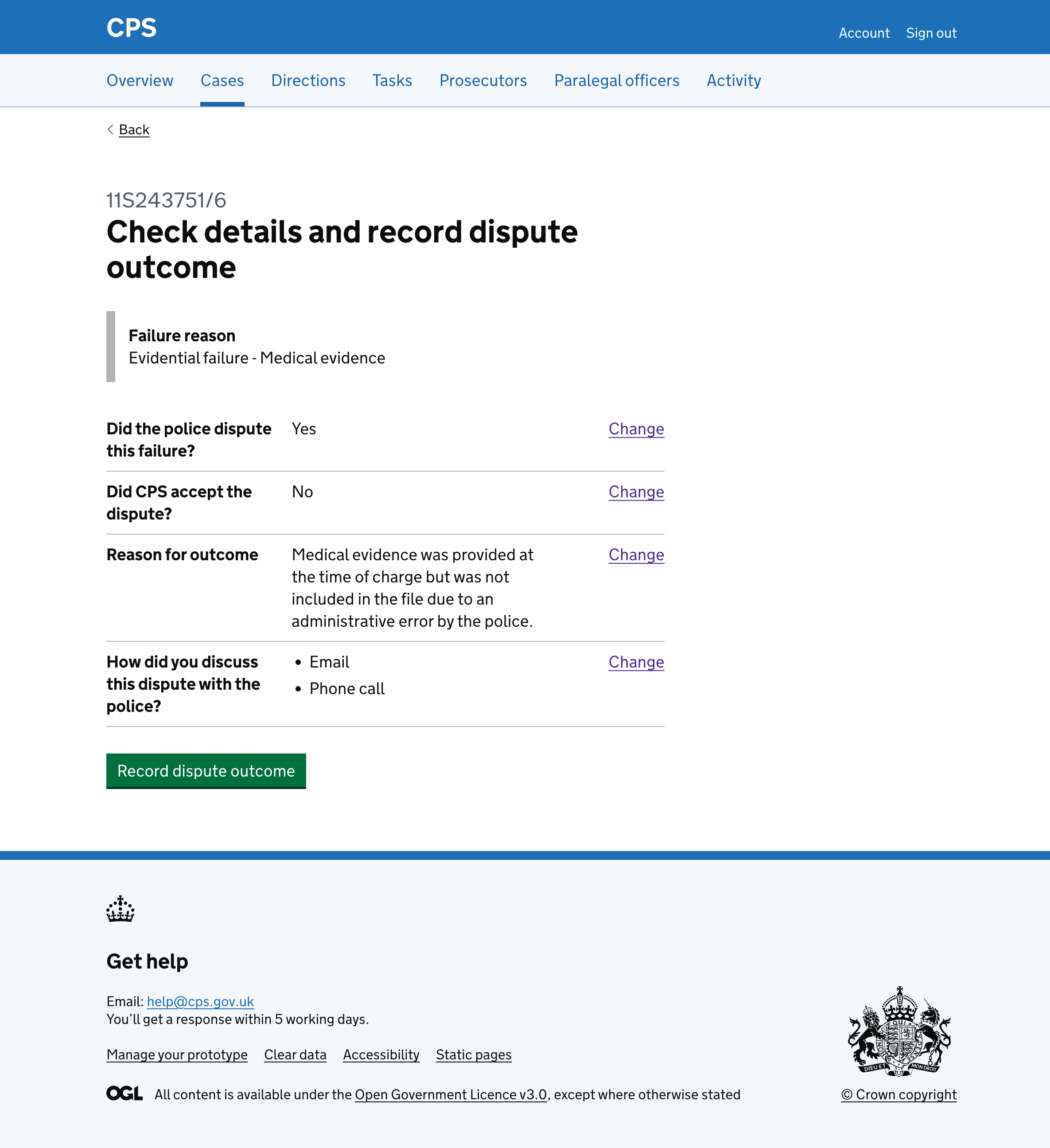
If the police did not dispute the failure
If the user selects “No” to “Did the police dispute this failure?”, they go straight to the check answers page.
If this is the last failure for the case, the page shows what outcome will be recorded in CMS.
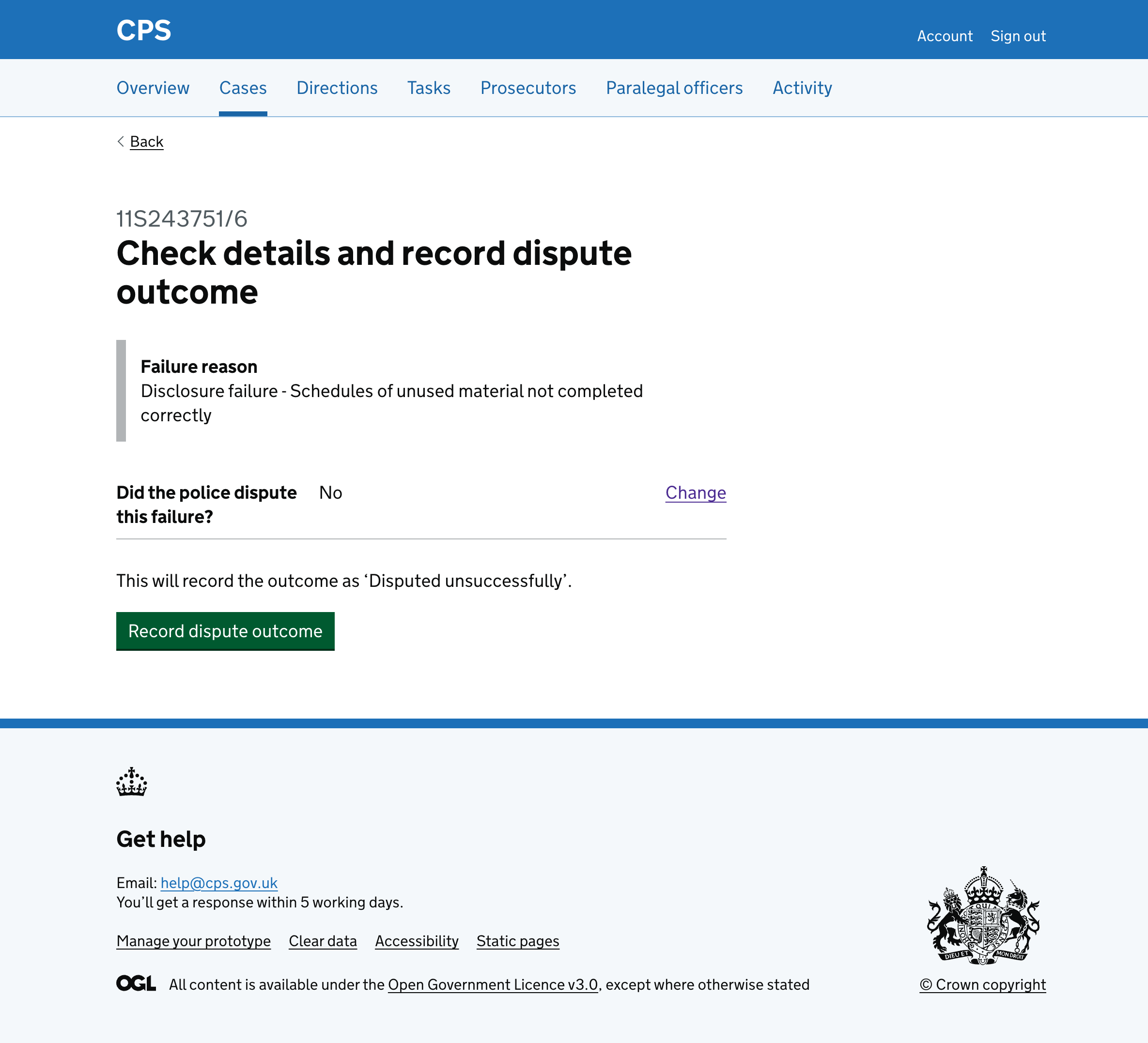
After recording an outcome
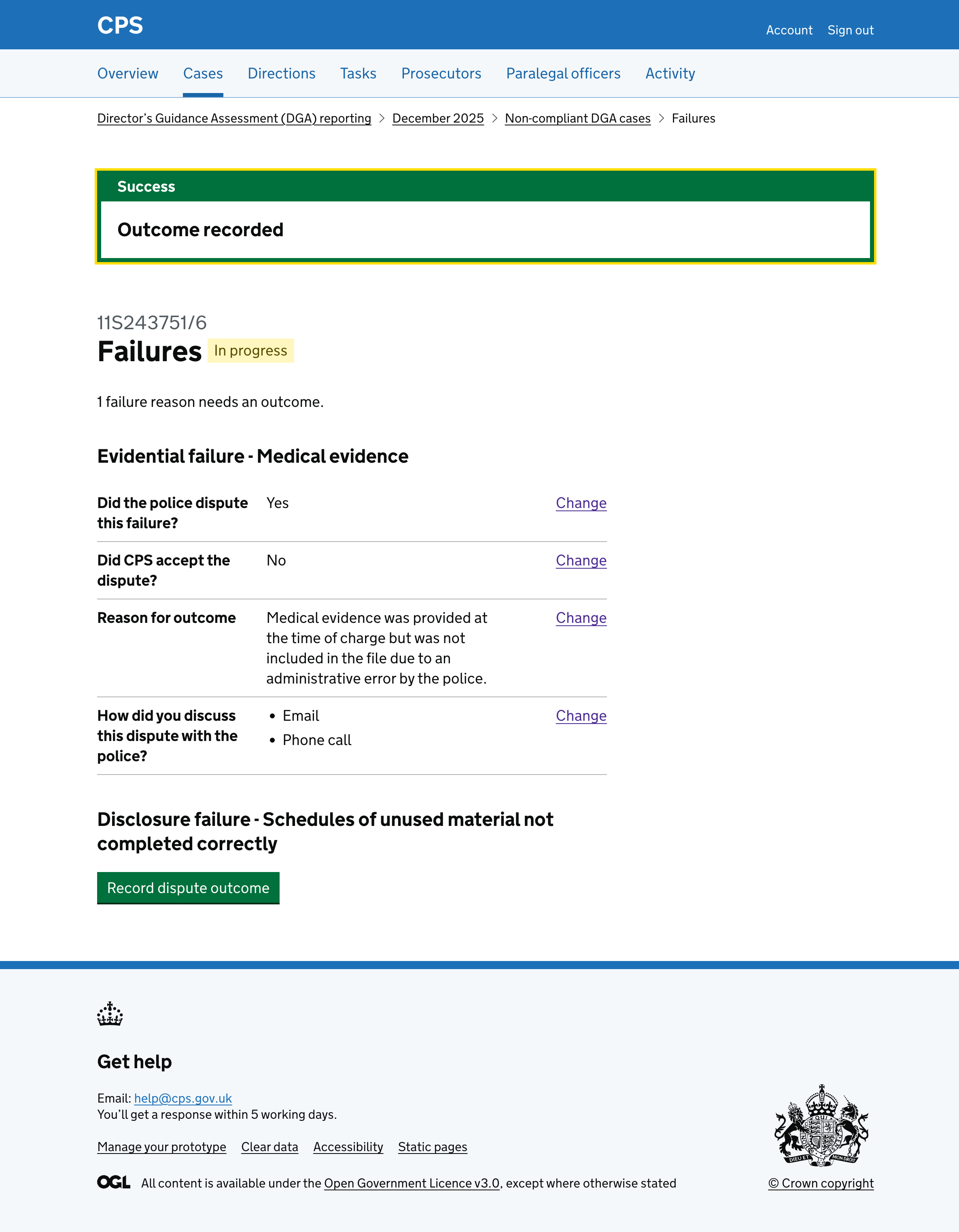
After recording the outcome the user is taken back to the case failures page with a success banner saying “Outcome recorded”.
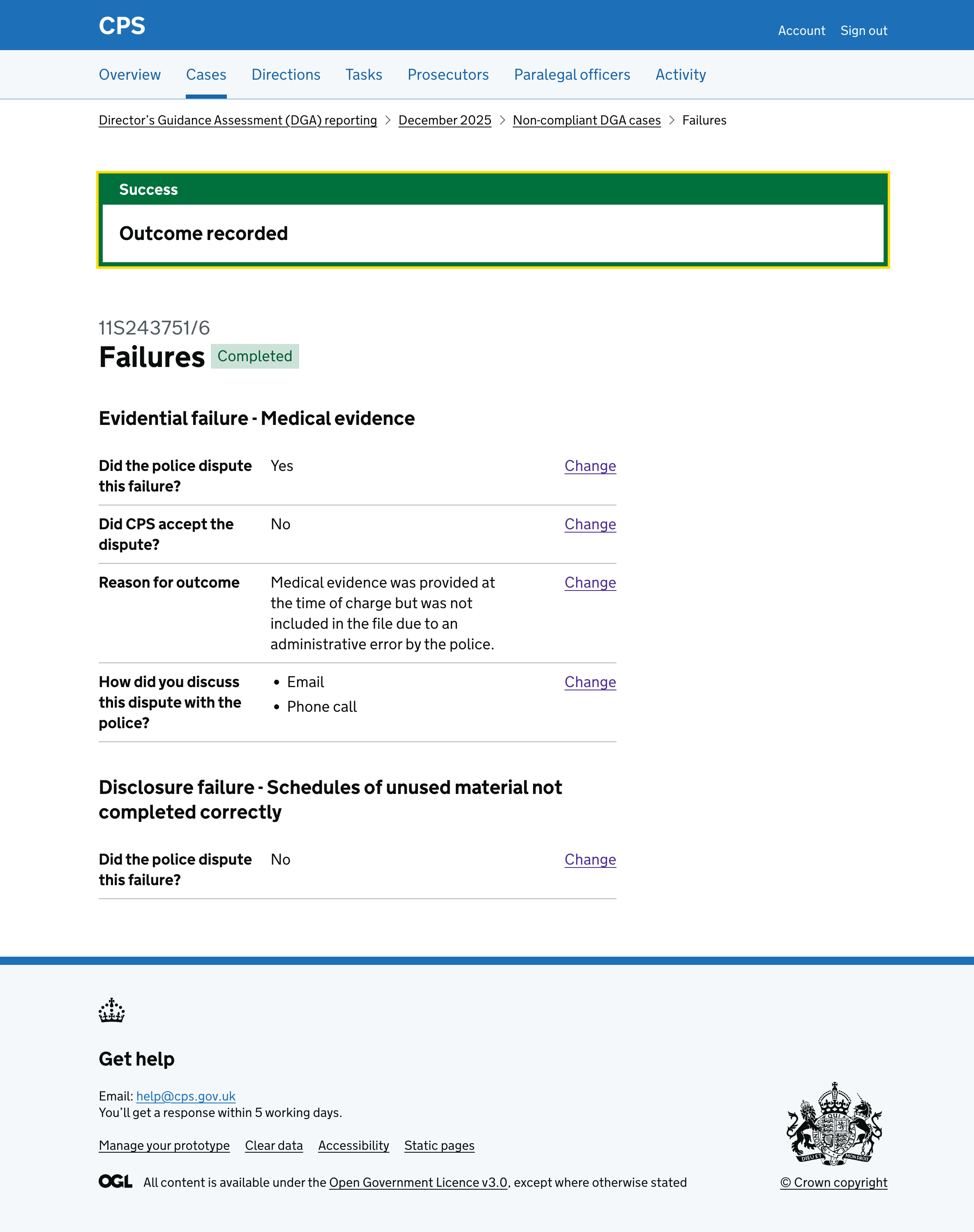
Each failure shows the recorded outcome in a summary list with change links.
And the case status updates to reflect progress.
Once all failures have outcomes recorded, the case status changes to “Completed”.
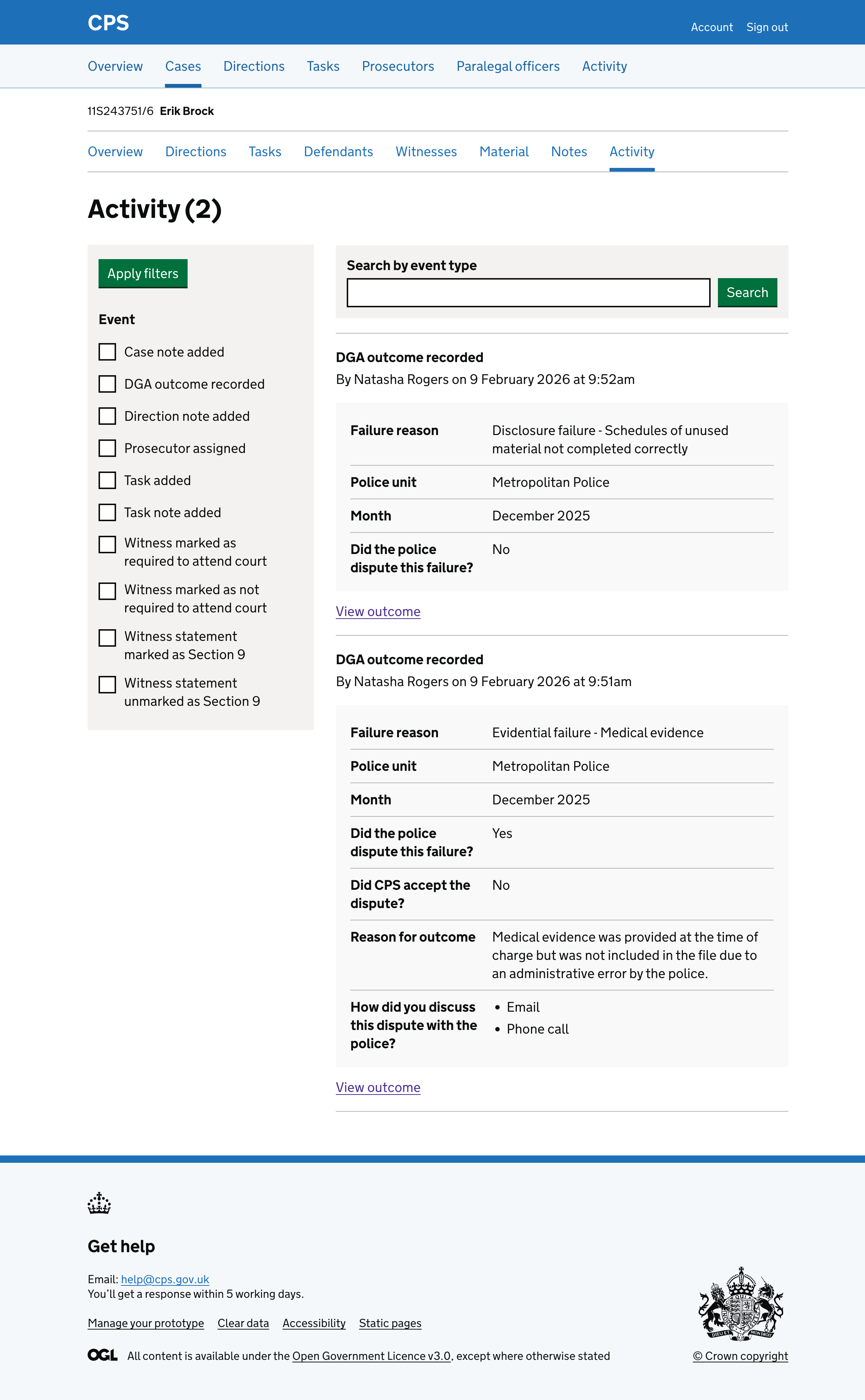
The action is recorded in the activity log, showing the failure reason, police unit, month, and the outcome details.
Error messages
Did the police dispute this failure?
- Empty: Select if the police disputed this failure
Did CPS accept the dispute?
- Empty: Select if CPS accepted the dispute
Reason for outcome
- Empty: Enter a reason for the outcome
- Too long: Reason for outcome must be 200 characters or less
How did you discuss this dispute with the police?
- Empty: Select how you discussed this dispute with the police