Reporting on cases that failed DGA
Prosecutors use the Director’s Guidance Assessment (DGA) to review cases against the National File Standard.
When a case fails, the prosecutor sends the police an action plan explaining why the case failed DGA. The police can then dispute or accept each failure. Legal managers need to record the outcome of each dispute.
Legal managers report on this monthly, tracking progress for each police unit so they can prioritise their work and meet reporting deadlines.
Users find the DGA reporting section alongside the case list.
How it works
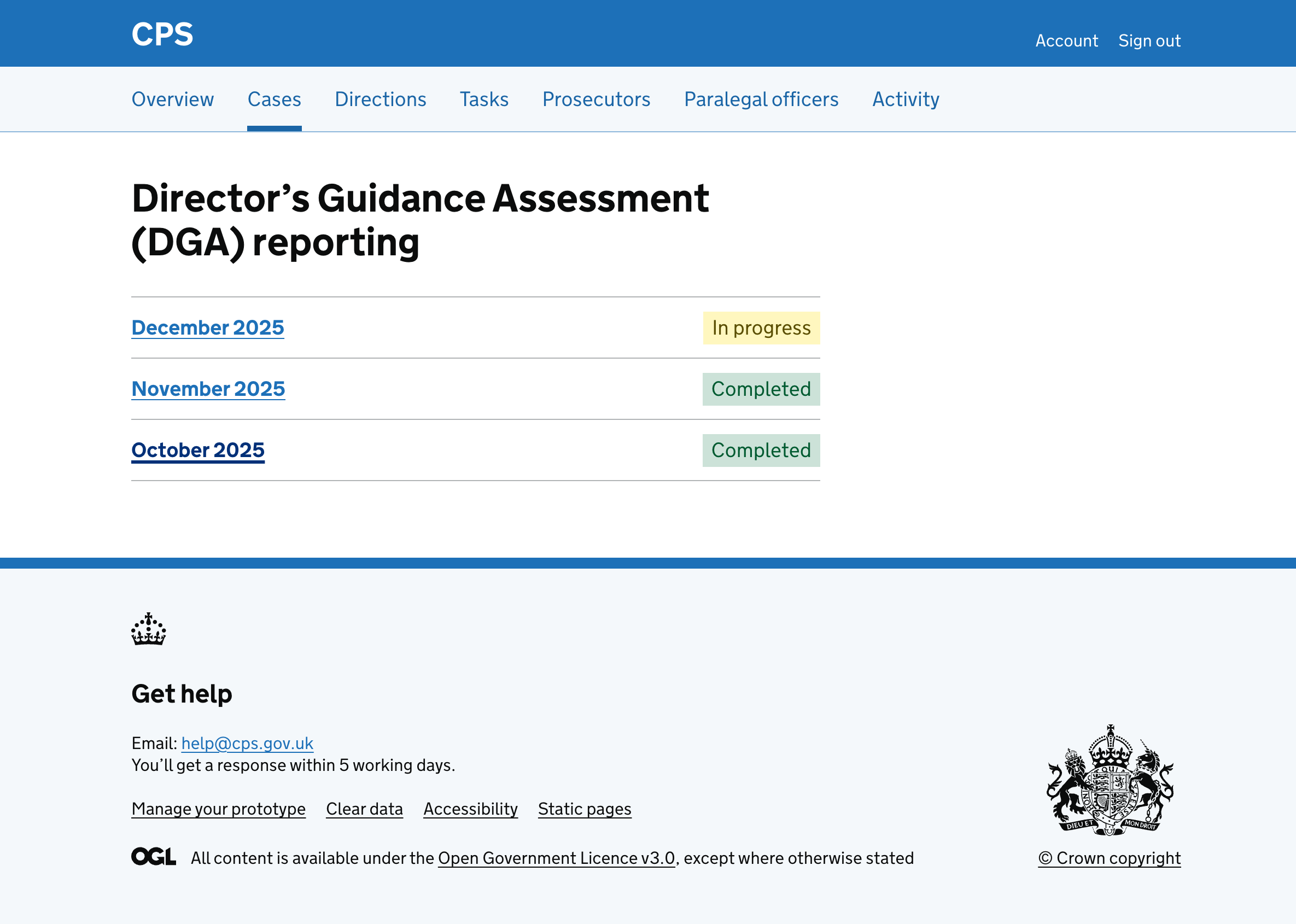
The DGA reporting page lists months that have DGA cases, sorted with the most recent month first. Each month shows a status:
- Completed - all outcomes have been recorded
- In progress - one or more outcomes have been recorded
- Not started - no outcomes have been recorded
Viewing a month
Clicking a month takes the user to a page showing all police units that have cases with a DGA for that month. The page shows a deadline for when outcomes must be recorded.
Each police unit is shown as a heading with a status indicating whether outcomes have been recorded. There are links to:
- export cases for sharing with the police unit
- record outcomes for cases that failed DGA
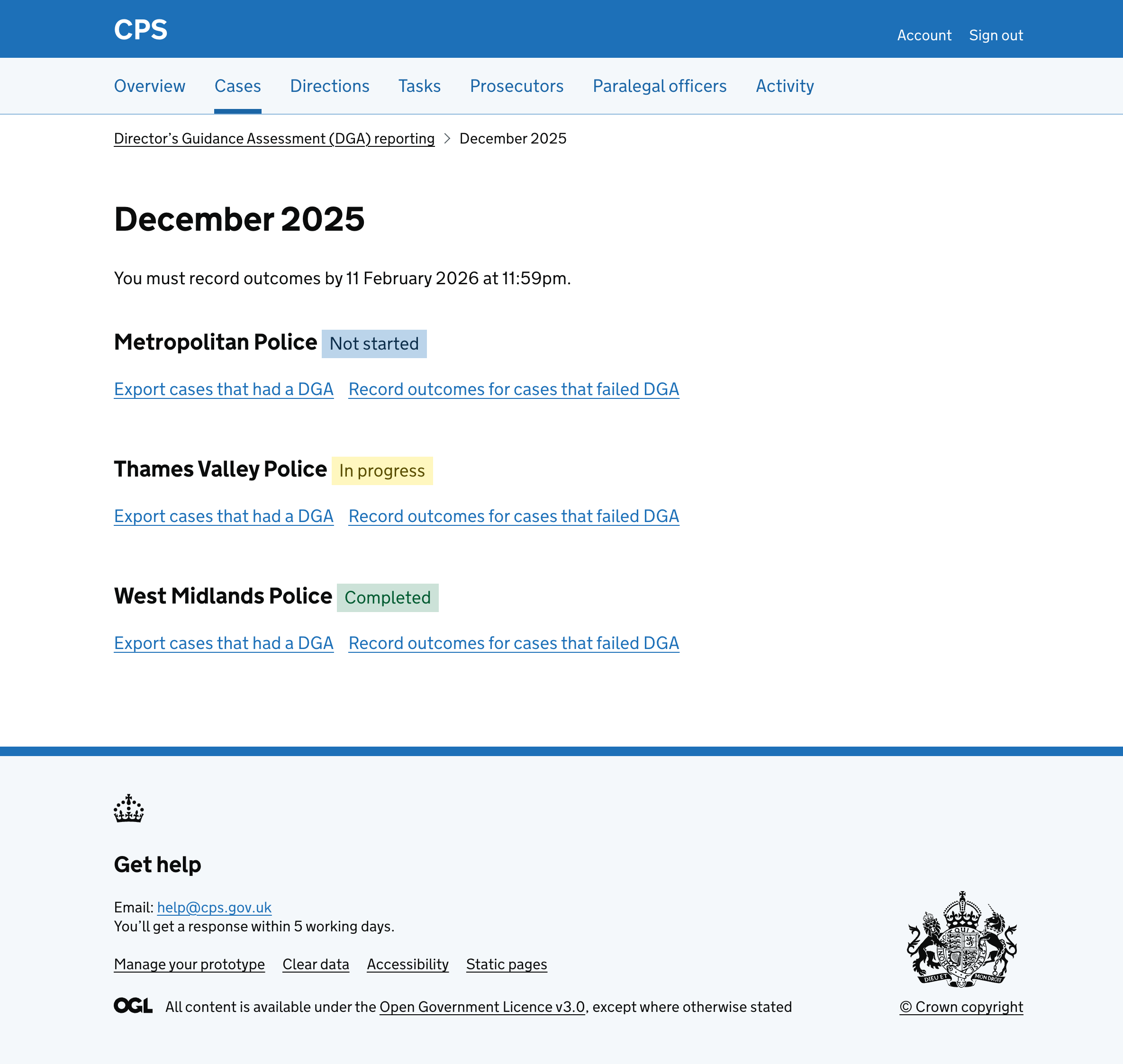
The status give legal managers a quick overview of progress across all police units, so they can focus on units that still need work.
Viewing the cases that failed DGA for a police unit
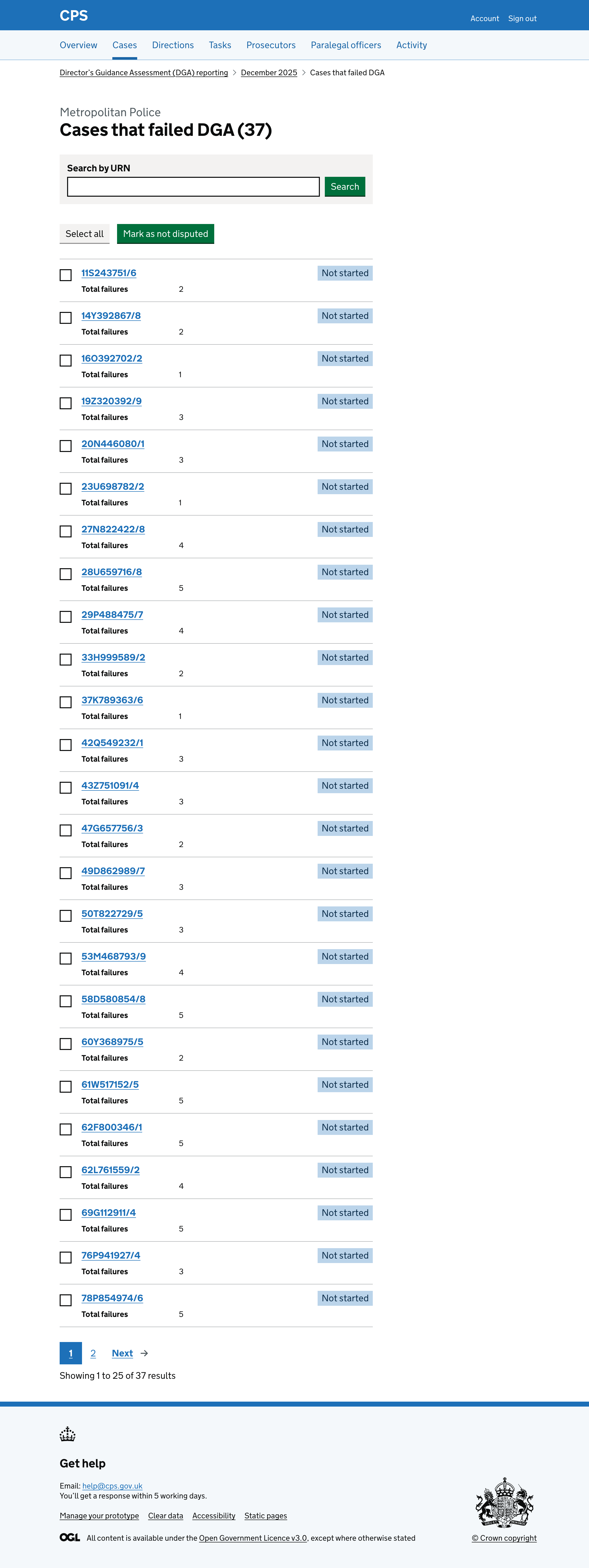
Clicking “Record outcomes for cases that failed DGA” takes users to a page showing all cases that failed DGA for a police unit.
Each case has a status and the total number of failures.
Users can:
- search by URN
- mark multiple cases as not disputed
Viewing the reasons why a case failed DGA
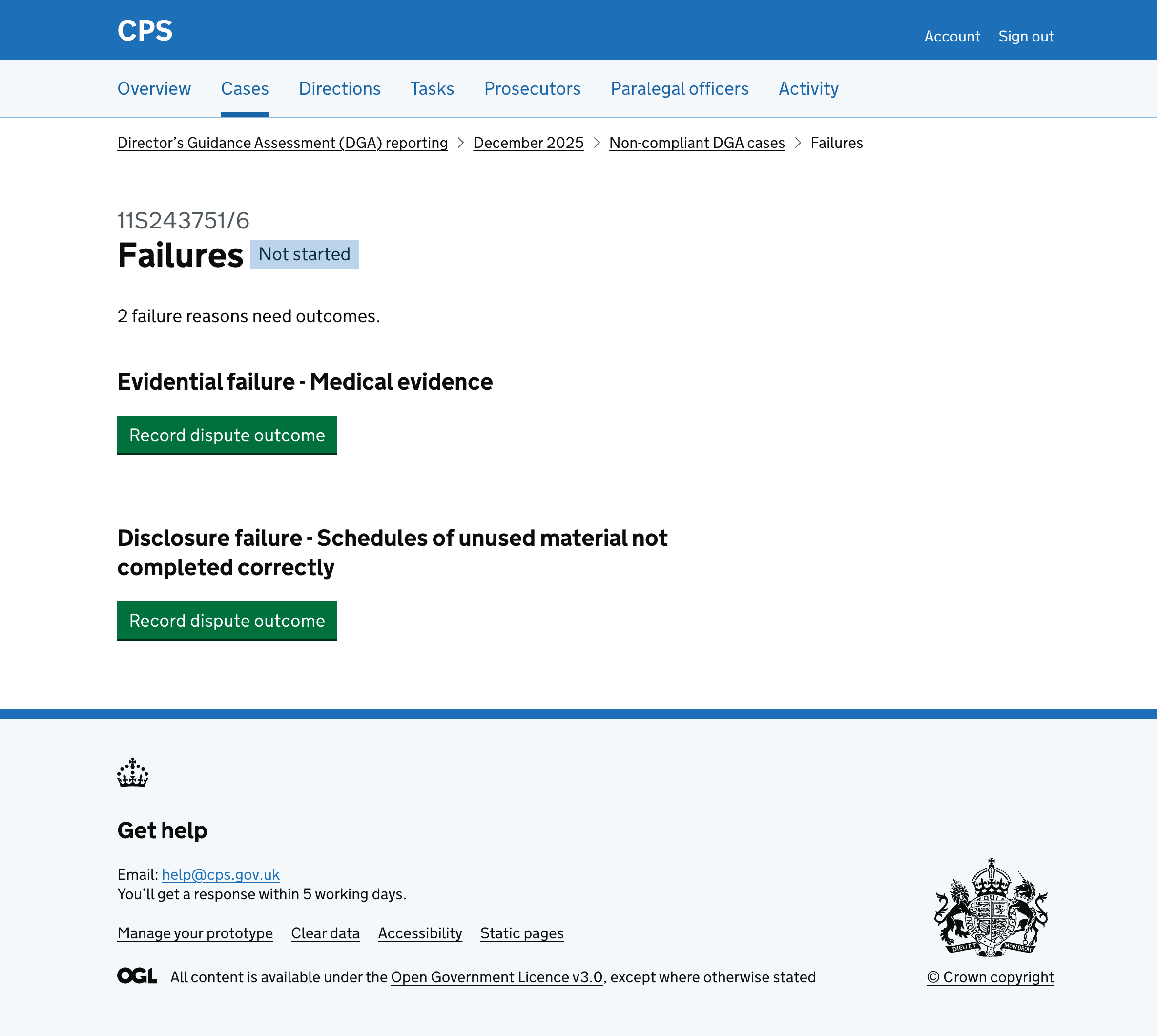
Clicking a case takes users to a page showing each reason why it failed DGA.
Each failure has a heading describing the type of failure and a “Record dispute outcome” button.